Welcome to DCM Grading!
You have 1 free credit to grade your first card. Here's everything you need to know to get started.
Capture Your Card Photos
You'll need clear photos of both the front and back of your card. You can use your device's camera directly or upload existing photos from your gallery.
Use Camera
RECOMMENDED- Built-in card alignment guides
- Optimal for centering analysis
- Real-time preview before capture
Upload from Gallery
- Use existing high-quality photos
- Works on desktop and mobile
- Use scanner images for best results
Supported Card Types
Photo Quality Tips
Better photos lead to more accurate grades. Follow these tips for the best results:
Good Lighting
Use natural daylight or bright, even lighting. Avoid harsh shadows and direct flash that can wash out details.
Flat Surface
Place your card on a flat, contrasting background. A dark mat or solid-colored surface works best.
Straight Angle
Hold your camera directly above the card, perpendicular to the surface. This ensures accurate centering analysis.
Fill the Frame
Get close enough so the card fills most of the image. More detail means better defect detection.
Sharp Focus
Tap on the card to focus before capturing. Blurry images make it harder to detect surface imperfections.
Remove Sleeves
Take the card out of sleeves and top loaders. Plastic can cause glare and hide surface defects.
Image Confidence Grades
Our system assigns a confidence grade (A-D) to your photos. Higher confidence means more reliable grading results.
Self-Report Condition
Before grading, you'll have a chance to report any defects you know about. This helps our AI focus on potential issues and provide more accurate grades.
"No Known Defects"
Select this if you believe your card is in excellent condition with no visible issues. Our AI will still perform a thorough analysis.
Tip: Even if you select "no defects," our DCM Optic™ system will detect any imperfections that may not be visible to the naked eye.
"Report Known Issues"
Describe any defects you've noticed. Being upfront helps ensure accurate grading and sets appropriate expectations.
Common issues to report:
Why Report Defects?
Self-reporting helps calibrate our AI analysis. If you mention a scratch and we detect it, that confirms the accuracy. If you report a clean card but we find issues, we'll highlight them in detail so you know exactly what affects your grade.
Your Grading Results
Within seconds, you'll receive a comprehensive grading report. Here's what our DCM Optic™ system analyzes:
Centering
Border symmetry front and back
Corners
Sharpness and wear analysis
Edges
Chipping, whitening, nicks
Surface
Scratches, print quality, holo
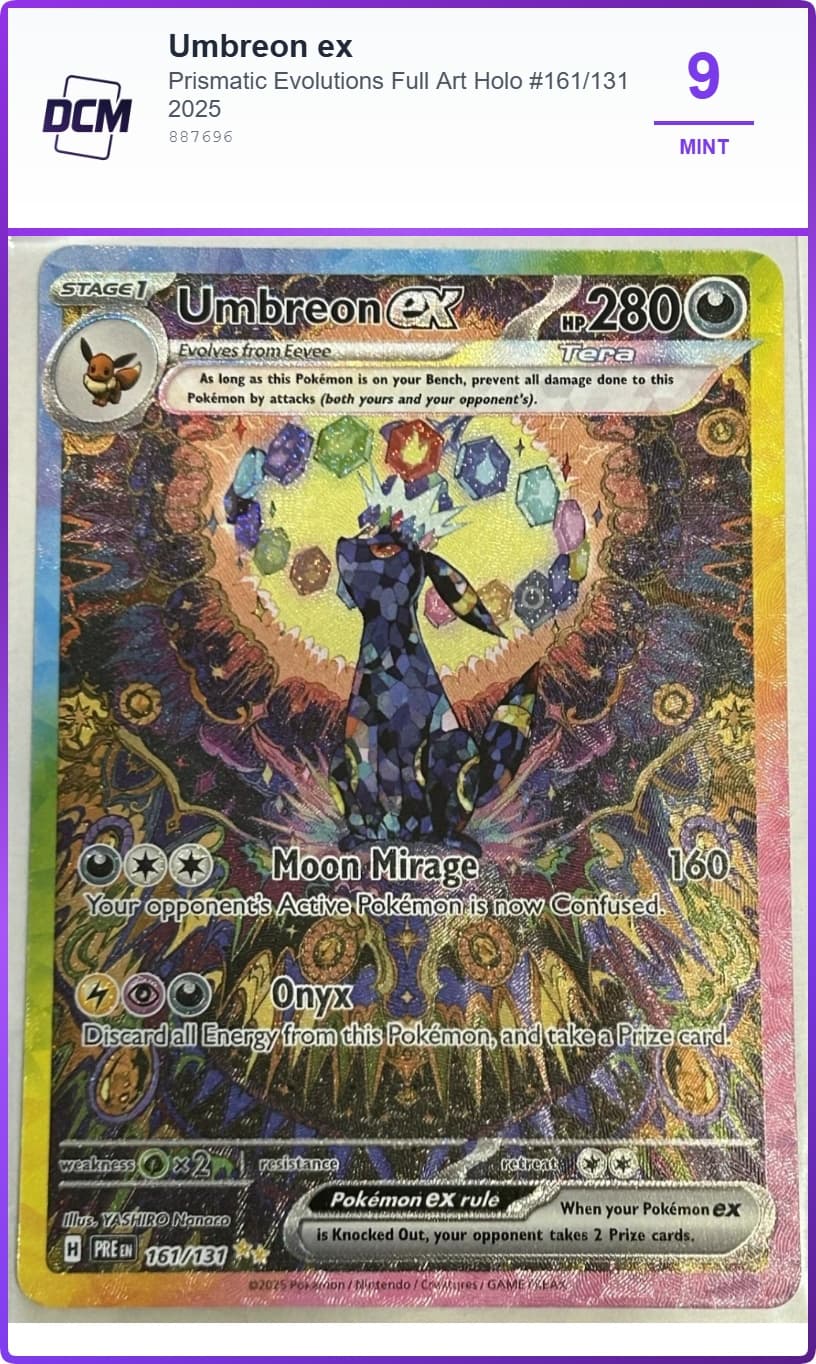
Example Grading Output
Graded Card with Label
Downloadable Mini Report
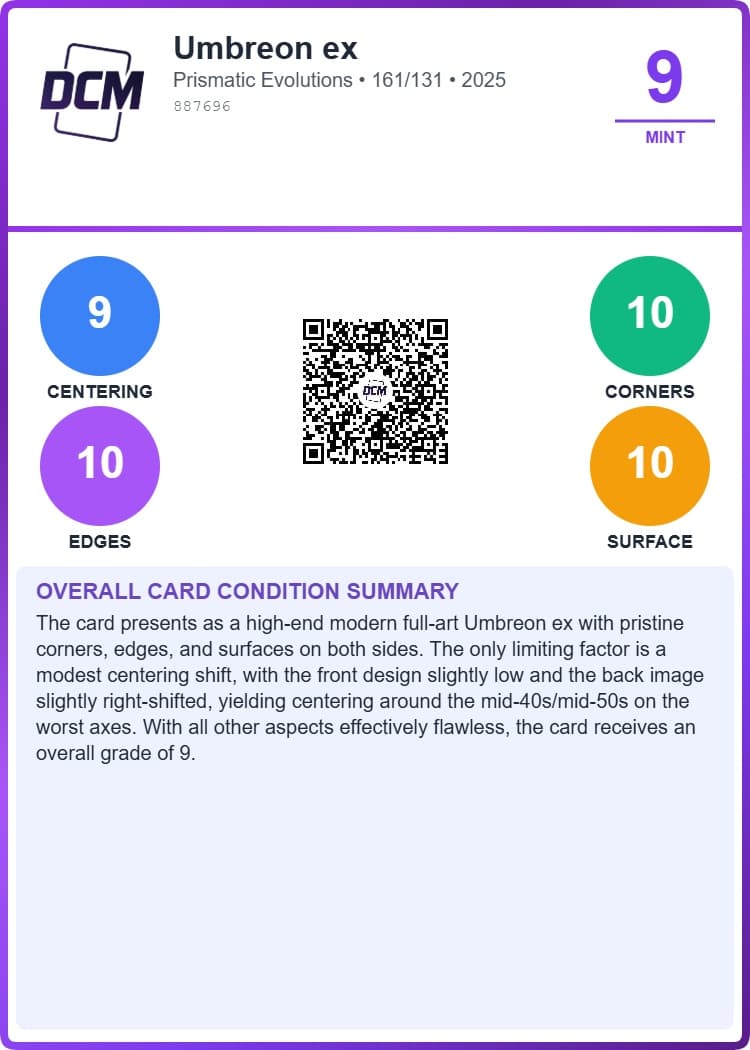
What's Included in Every Grade
Overall Grade (1-10)
Whole number grade based on condition
Subgrades
Individual scores for each category
Detailed Analysis
Written explanation of findings
Downloadable Labels
Print labels for slabs or display
Card Identification
Auto-detected name, set, and number
Market Links
eBay and TCGPlayer pricing
Recently Graded Cards
See examples of cards graded by our DCM Optic™ system across different categories.
Umbreon ex
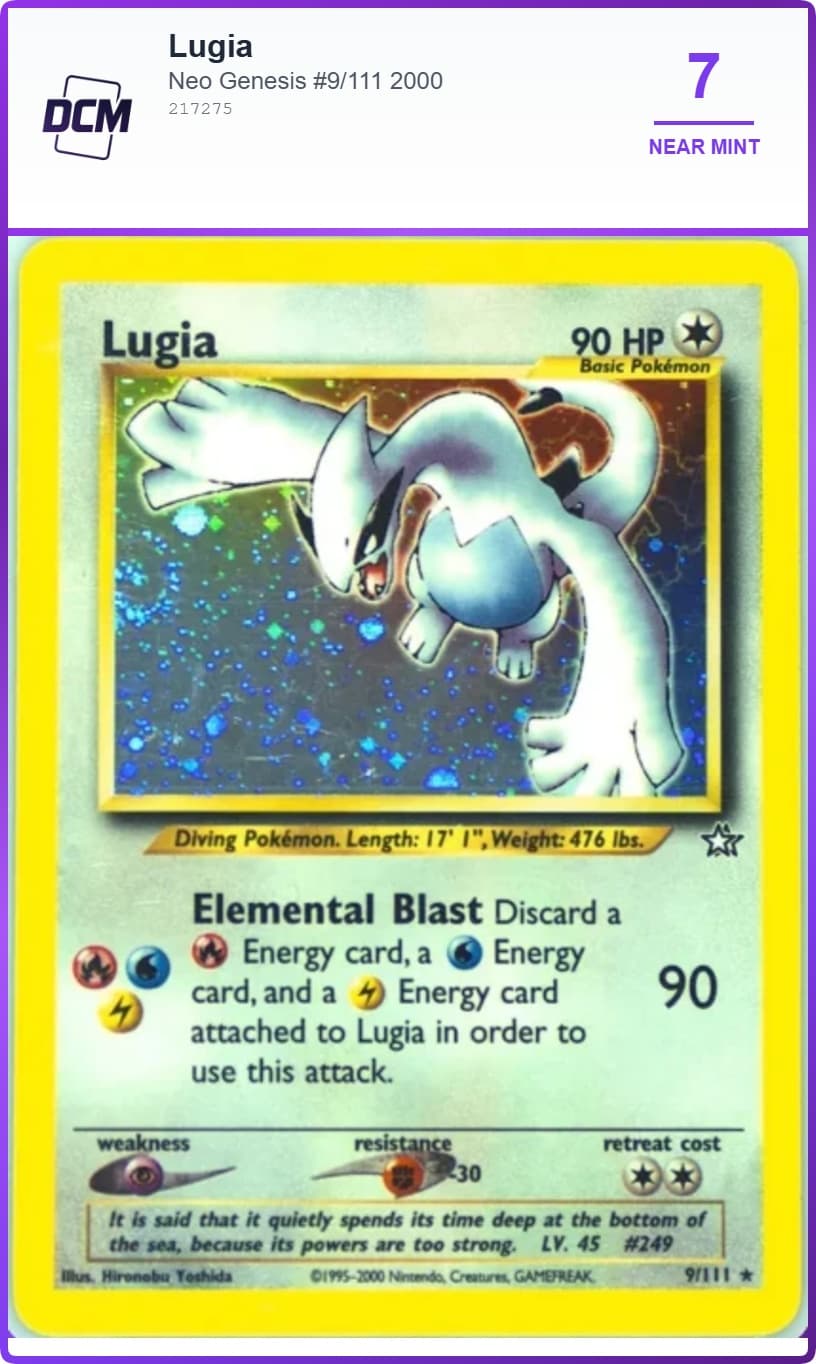
Lugia
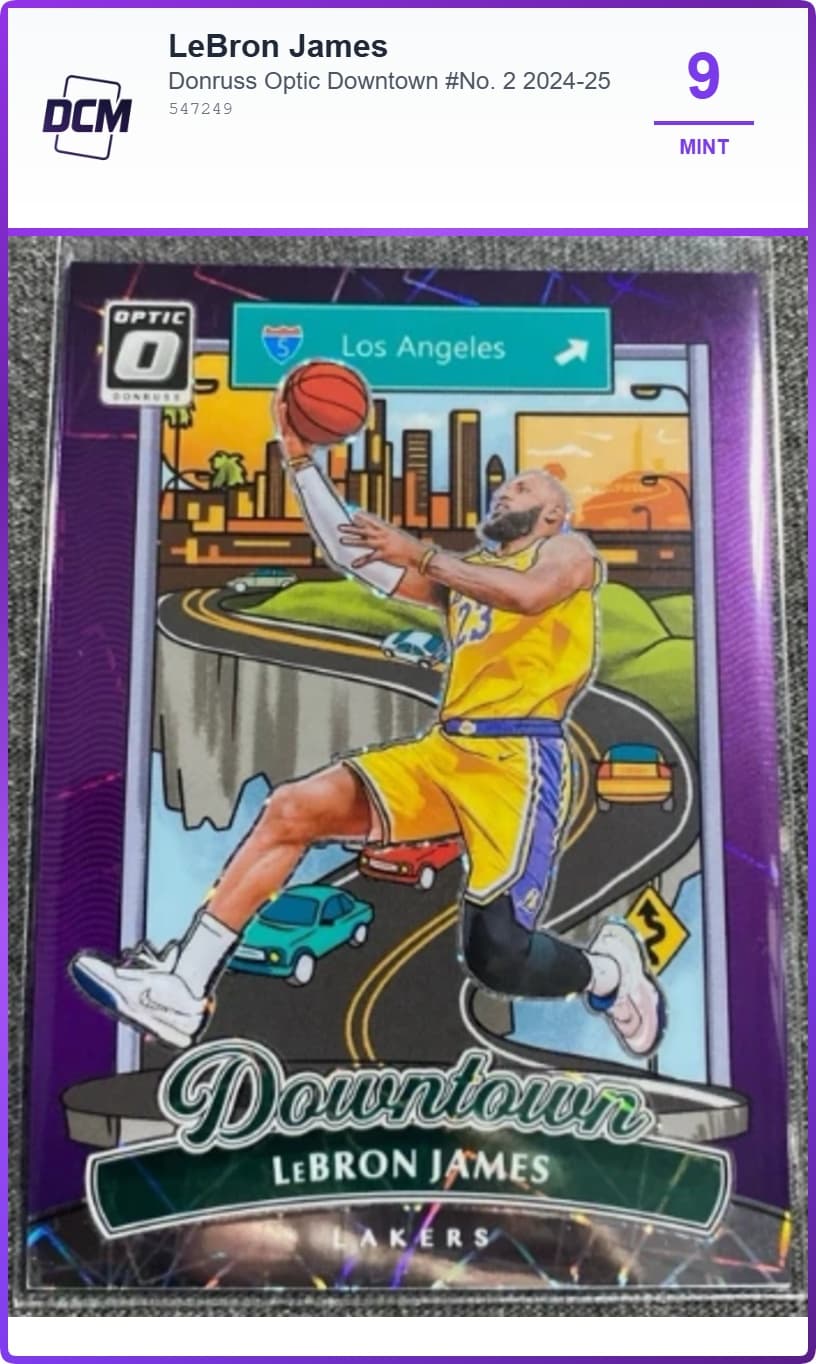
LeBron James
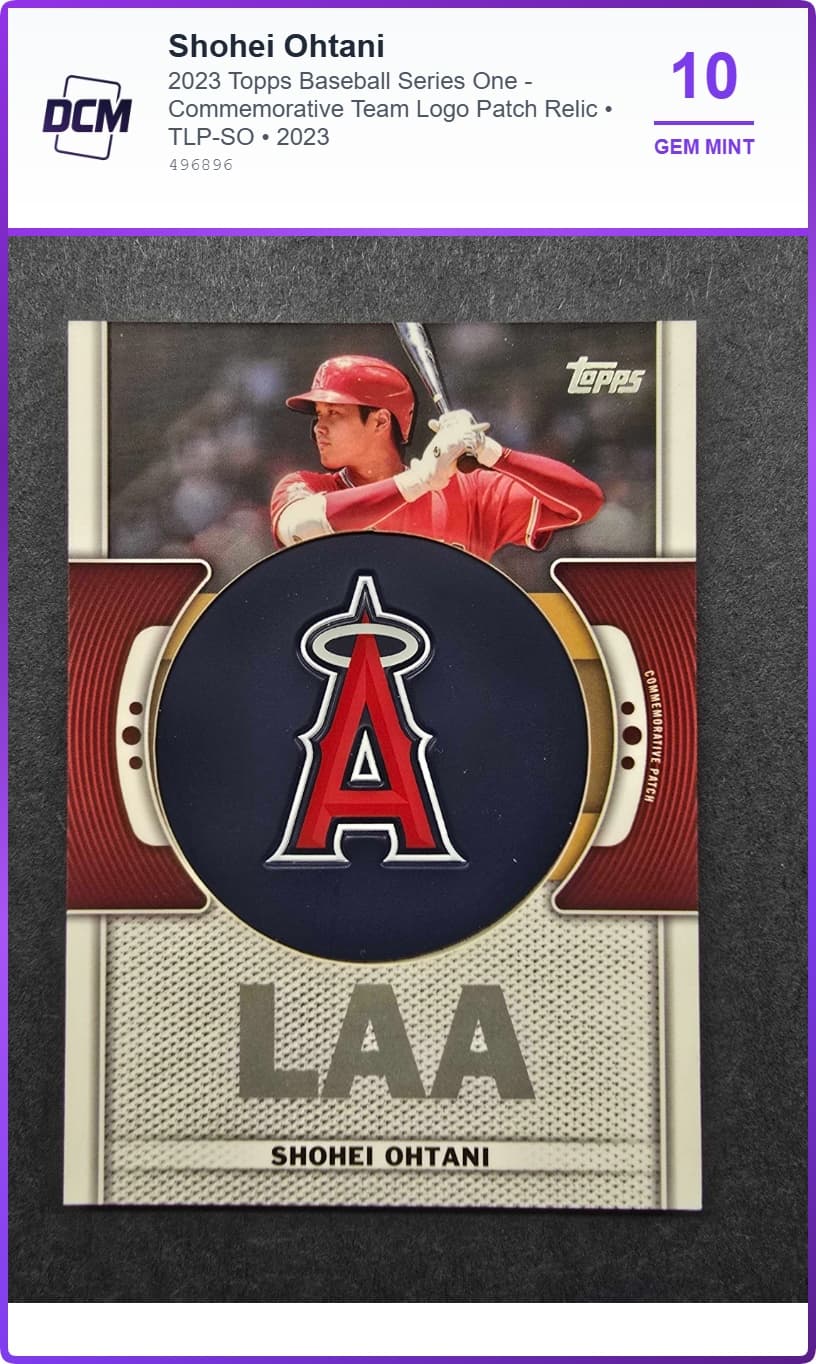
Shohei Ohtani
Ready to Grade Your First Card?
You have 1 free credit waiting. Select your card type and start grading in seconds!